
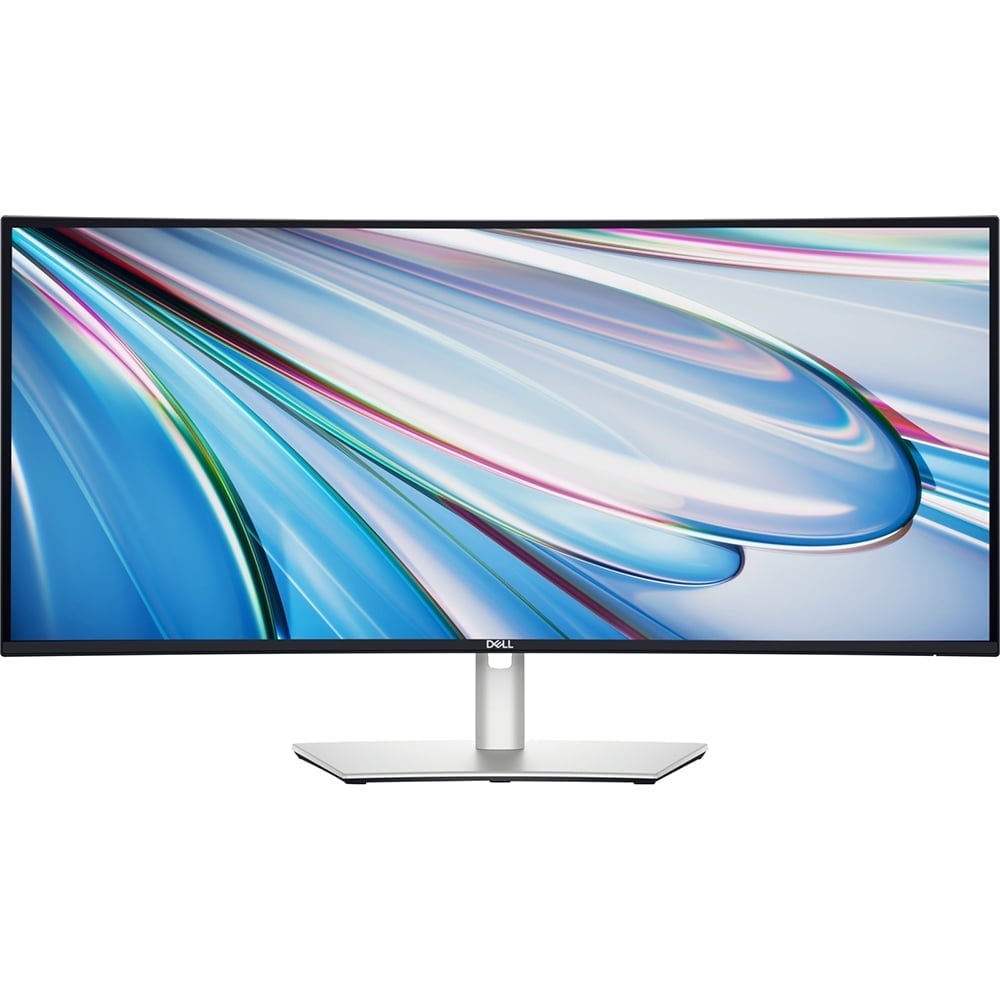
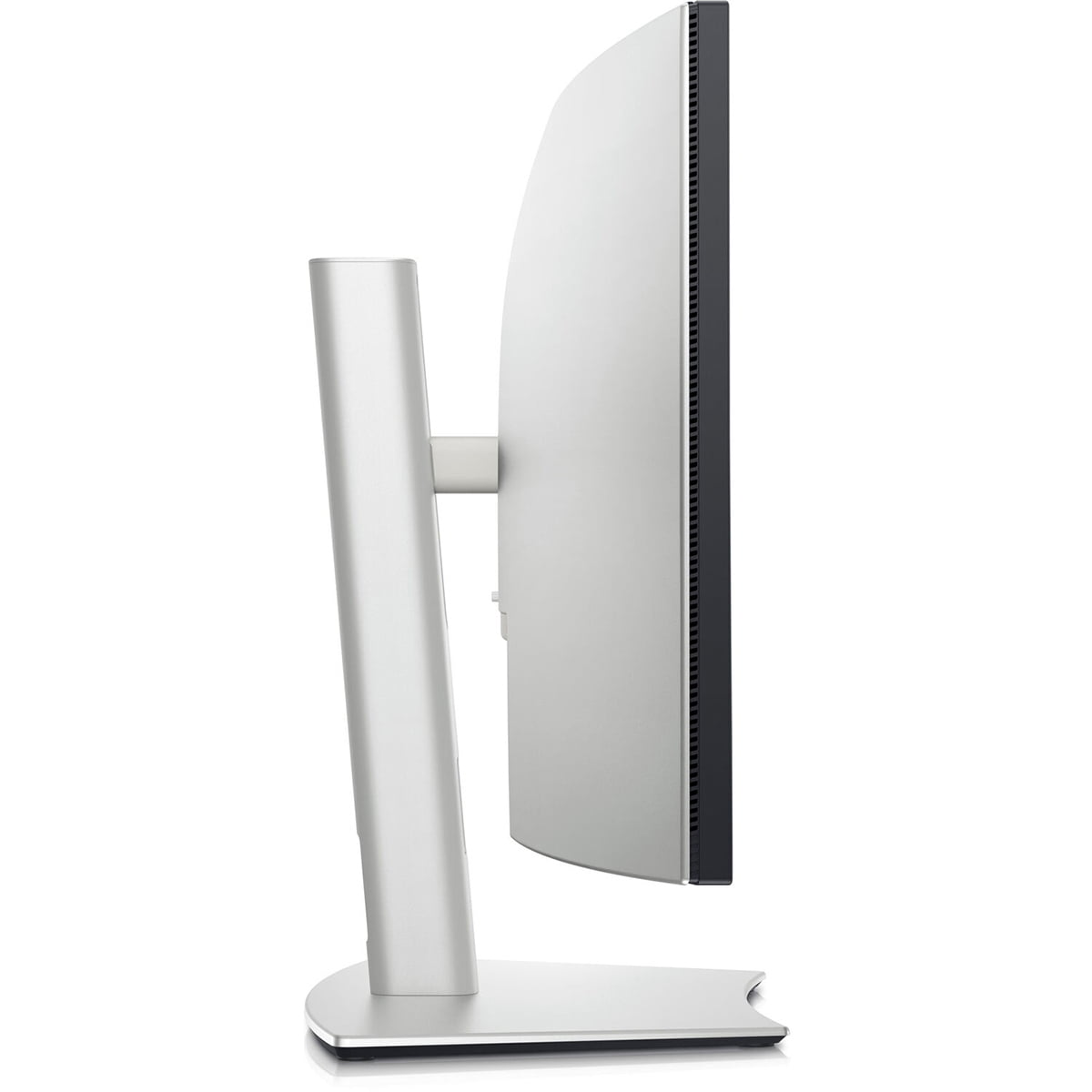
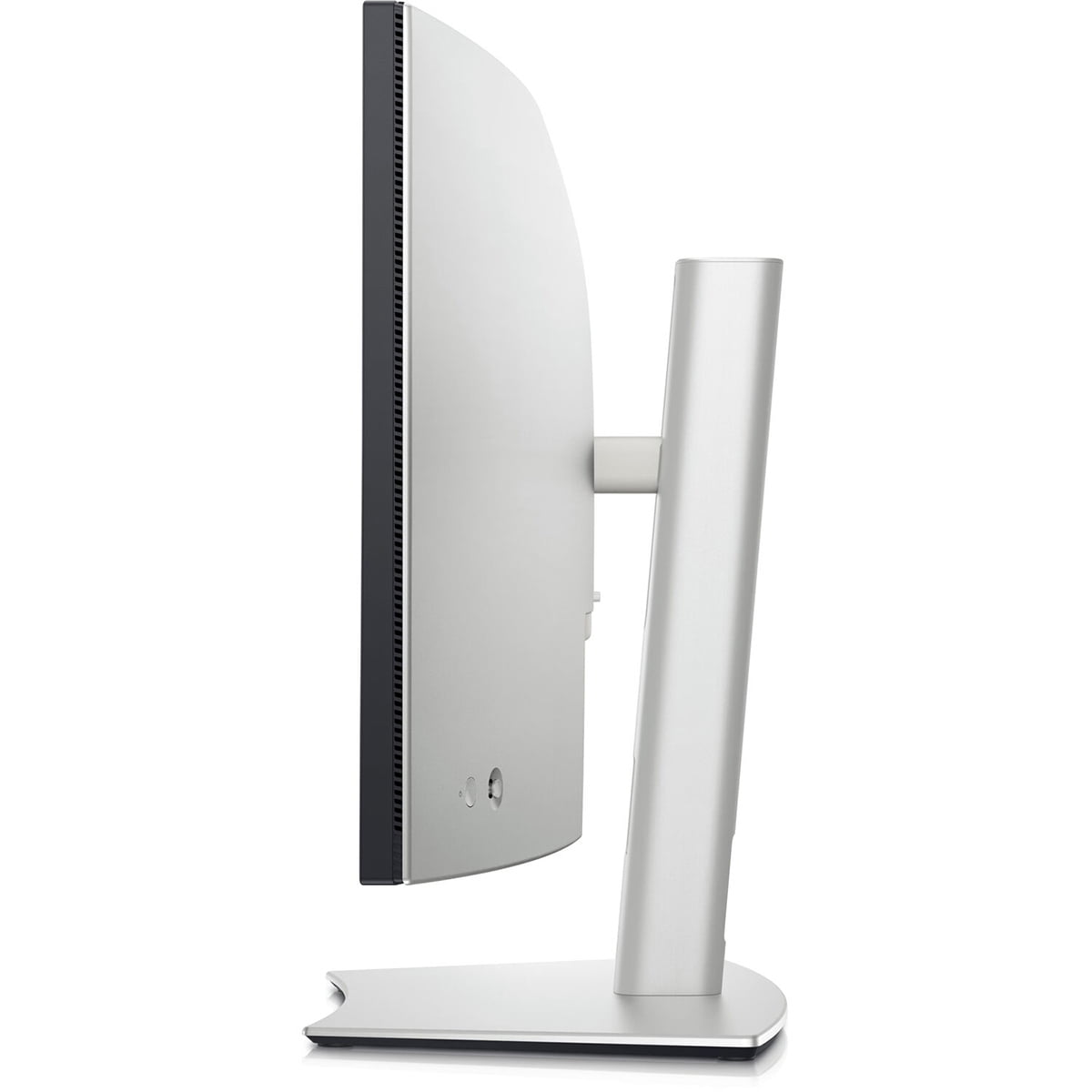
Dell UltraSharp 34" WQHD 3440x1440 120Hz 5ms Curved Thunderbolt Hub Monitor
Product details
| Management number | 230493806 | Release Date | 2026/06/18 | List Price | US$331.60 | Model Number | 230493806 | ||
|---|---|---|---|---|---|---|---|---|---|
| Category | |||||||||
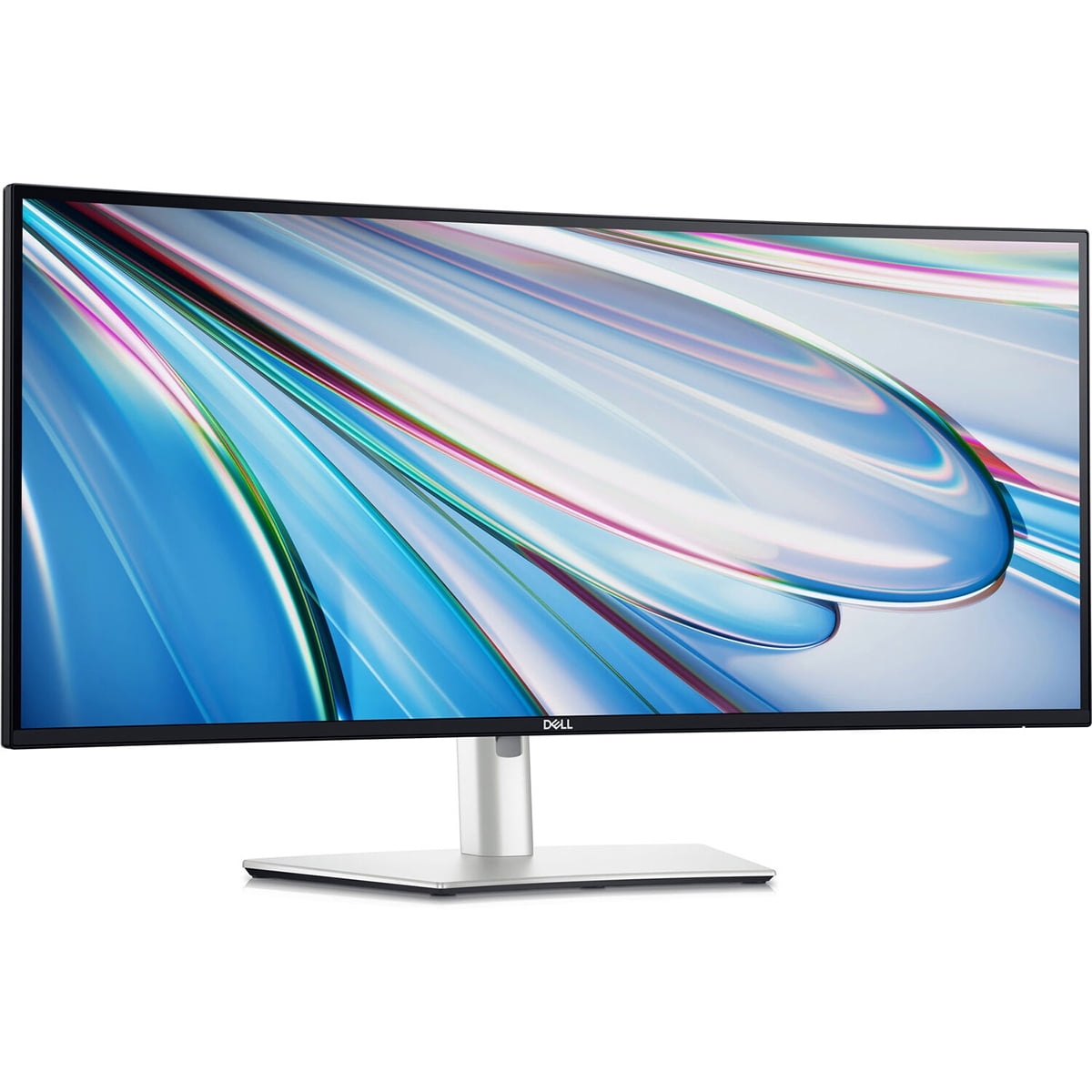
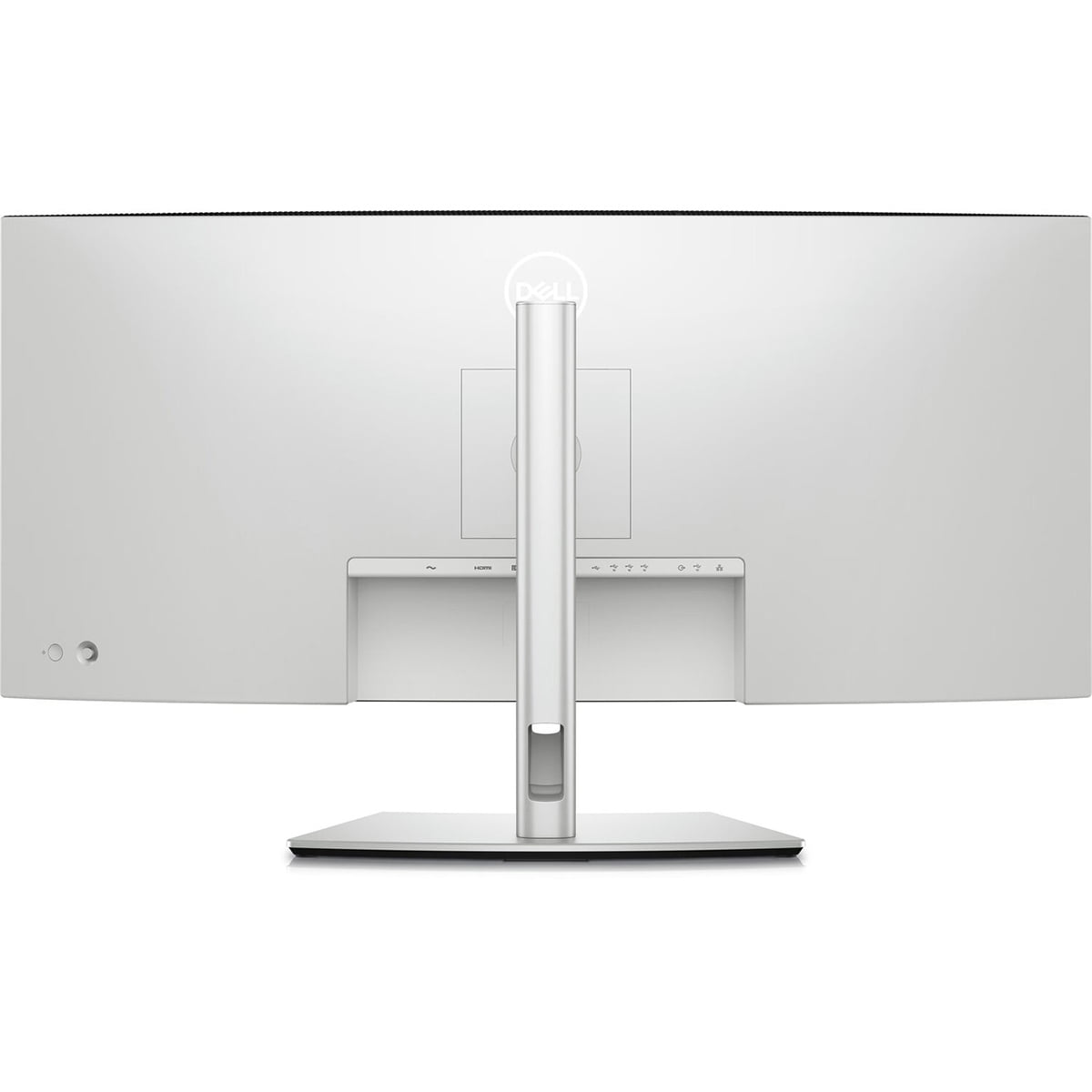
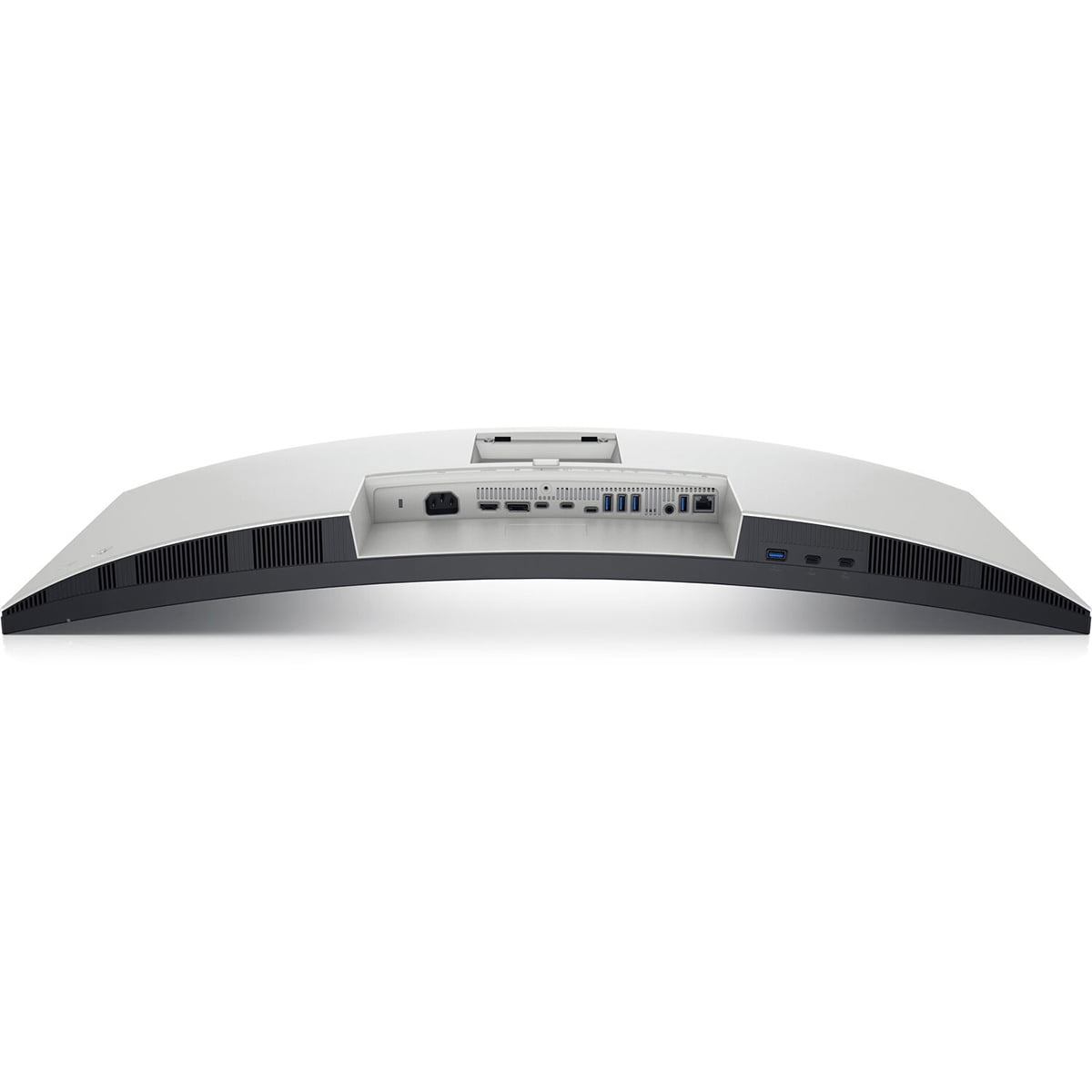
E6DELU3425WE <br><br><ul><li>Dell UltraSharp 34" WQHD 3440x1440 Curved Thunderbolt Hub Monitor</li><li>Stand Riser</li><li>Stand Base</li><li>Quick Setup guide</li><li>Safety, Environmental and Regulatory Information</li><li>Factory calibration report</li></ul><p><strong>Dell UltraSharp 34 Curved Thunderbolt Hub Monitor - U3425WE</strong></p><p>Experience clear focus and greater comfort with a 34 curved Thunderbolt hub monitor featuring 5-Star Eye Comfort and 120Hz refresh rate.</p><p><strong>Product Features:</strong></p><p style="padding-left:"><strong>Smoother visual experience</strong></p><p style="padding-left:">A 120Hz refresh rate delivers less flicker, more seamless scrolling and smoother motion than 60Hz monitors.</p><p style="padding-left:"><strong>Ambient Light Sensor</strong></p><p style="padding-left:">A built-in Ambient Light Sensor intelligently optimizes brightness and color temperature based on your surroundings.</p><p style="padding-left:"><strong>Improved ComfortView Plus</strong></p><p style="padding-left:">Our latest monitors reduce harmful blue light emissions to ≤35%, compared to ≤50% from the previous generation, for all-day eye comfort without sacrificing color accuracy.</p><p style="padding-left:"><strong>See more detail than ever before</strong></p><p style="padding-left:"><strong>WQHD</strong></p><p style="padding-left:">Improve your field of view and get near-uniform visual focus with this ultrawide, curved screen.</p><p style="padding-left:"><strong>98%</strong></p><p style="padding-left:">DCI-P3 and Display P3 color coverage.</p><p style="padding-left:"><strong>IPS Black</strong></p><p style="padding-left:">Experience deeper blacks with a 2000:1 contrast ratio.</p><p style="padding-left:"><strong>Internal Multi-Stream Transport (iMST)</strong></p><p style="padding-left:">Partition your display as if there were two 1720x1440 physical monitors instead of one. No external software or DisplayPort splitter needed.</p><p style="padding-left:"><strong>Connect with ease</strong></p><p style="padding-left:"><strong>Thunderbolt 4</strong></p><p style="padding-left:">Power your devices with a single cable connection with up to 90W power delivery.</p><p style="padding-left:"><strong>Extensive connectivity</strong></p><p style="padding-left:">Connect all your devices with over a dozen ports, including quick access ports.</p><p style="padding-left:"><strong>Stay online</strong></p><p style="padding-left:">Connect to the Ethernet with a built-in RJ45 port with up to 2.5GbE.</p><p style="padding-left:"><strong>Works seamlessly with devices on macOS</strong></p><p style="padding-left:">Tested with devices on macOS, this Thunderbolt monitor with P3 color is your ideal companion for Mac devices. Based on internal testing of Dell monitors connected to devices on macOS via Thunderbolt, June 2024. Some features may not be supported.</p><p style="padding-left:"><strong>Dell Display and Peripheral Manager</strong></p><p style="padding-left:">Experience Dell’s singular, innovative application to optimize the performance of your entire Dell PC workspace.</p><p style="padding-left:"><strong>Maximize productivity</strong></p><p style="padding-left:">Easy Arrange tiles apps across screens with pre-set partitions and customizes up to five windows, enhancing multitasking. Easy Arrange Memory saves and restores app profiles manually, on schedule, or at start-up.</p><p style="padding-left:"><strong>Easy navigation</strong></p><p style="padding-left:">Control and work across multiple network or USB connected PCs and monitors with a single keyboard and mouse, seamlessly transferring files between them.</p><p style="padding-left:"><strong>More manageable</strong></p><p style="padding-left:">Save time and boost IT efficiency with the Dell Device Management Console to manage your ...<br><br></p>
- Dell UltraSharp U3425WE 34" Class UW-QHD Curved Screen LED Monitor, 21:9, Black, Silver
- LED Monitor offers maximum productivity with added dependability
- 34.1" viewable screen size provides a spectacular viewing experience
- 5 ms response time makes it excellent for latest action films, sports or gaming
- Enjoy crisp content and energetic hues with the 300 Nit brightness
- The 3440x1440 resolution with UltraWide Quad HD mode amazingly sharp picture quality
- LED Monitor offers maximum productivity with added dependability
- 34.1" viewable screen size provides a spectacular viewing experience
- 5 ms response time makes it excellent for latest action films, sports or gaming
- Enjoy crisp content and energetic hues with the 300 Nit brightness
- The 3440x1440 resolution with UltraWide Quad HD mode amazingly sharp picture quality
- LED Monitor offers maximum productivity with added dependability
- 34.1" viewable screen size provides a spectacular viewing experience
- 5 ms response time makes it excellent for latest action films, sports or gaming
- Enjoy crisp content and energetic hues with the 300 Nit brightness
- The 3440x1440 resolution with UltraWide Quad HD mode amazingly sharp picture quality
- LED Monitor offers maximum productivity with added dependability
- 34.1" viewable screen size provides a spectacular viewing experience
- 5 ms response time makes it excellent for latest action films, sports or gaming
- Enjoy crisp content and energetic hues with the 300 Nit brightness
- The 3440x1440 resolution with UltraWide Quad HD mode amazingly sharp picture quality
- HDMI (High Definition Multimedia Interface) offers fantastic sound/video quality and single-cable comfort.
- 120 Hz standard refresh rate reduces blur to ensure maximum efficiency
- 21:9 aspect ratio provides the best display for video recorded in the CinemaScope format.
- 21:9 aspect ratio provides the best display for video recorded in the CinemaScope format.
- 21:9 aspect ratio provides the best display for video recorded in the CinemaScope format.
- 21:9 aspect ratio provides the best display for video recorded in the CinemaScope format.
- 3440 x 1440 maximum resolution for stunning, lively result with optimal viewing usability.
- Edge LED backlight technology provides a clear and smooth display
| Screen size | 34 in |
|---|---|
| Resolution | 3440 x 1440 |
| Refresh rate | 120 Hz |
| Display | LED |
| Aspect | 21:9 |
| Response time | 5 ms |
| Features | Curved, Anti-Glare, Tiltable |
| Brightness | 300 Nits |
| Contrast ratio | 2000:1 |
| Backlight type | Edge Lit |
| Inputs/Outputs | Inputs - USB, RJ-45, USB Type-C, HDMI(1) & Outputs - Audio,HDMI,DisplayPort,Thunderbolt |
| Mount pattern | 100 x 100 |
| Brand | Dell |
| Color | Black |
| Power type | Corded Electric |
| Accessories | Dell UltraSharp U3425WEDisplayPort cable - 1.8 mHDMI cable - 1.8 mThunderbolt 4 cable - 1 mUSB 3.2 Gen 2 Type A to Type-C cable - 1 mSoftware |
| Model | DELL-U3425WE |
| Electronics certifications | Energy Star-Certified |
| Horizontal viewing angle | 178 º |
| Vertical viewing angle | 178 º |
| Input/output type | HDMI |
| Assembled product dimensions (l x w x h) | 9.50 x 32.00 x 15.50 in |
| Assembled product weight | 22.86 lb |
| Height (with stand) | 21.37 in |
| Height (without stand) | 14.13 in |
| Depth (with stand) | 9.46 in |
| Depth (without stand) | 4.13 in |
| Count per pack | 1 |
| Retail packaging | Single Piece |
Bestseller ranking
Computers


Customers who viewed this product also viewed
Helmets




Correction of product information
If you notice any omissions or errors in the product information on this page, please use the correction request form below.
Correction Request Form